
 WhatsApp
 Telegram
918kiss FAQ & Troubleshooting Guide – Problems, Causes, and Solutions
This page answers the most common questions about 918kiss, especially when something doesn’t work as expected.
If you’re facing download issues, login problems, or confusing app behavior, this guide explains why these problems happen and gives simple steps you can actually try to fix your 918Kiss problems.
How 918kiss Works (Why Problems Happen)
Understanding how the 918kiss app works helps explain why 918kiss is not working in some situations, especially after system changes.
918kiss is an app-based platform that’s typically distributed outside official app stores. Because of this:
- it can behave differently from normal apps
- system/security updates can affect access
- downloads, login, and usage may change over time
What you can do (practical mindset)
Before you do anything complicated, try these basics first (they solve a surprising number of issues):
- Restart your phone (not just close the app)
- Switch internet (Wi-Fi ↔ mobile data)
- Update your OS (Android/iOS updates can affect access, but outdated OS causes even more issues)
- Make sure date & time are automatic (wrong time can break logins/sessions)
Download and Installation Problems
Why Can’t I Download 918kiss?
- Check storage space (low storage often blocks downloads silently)
- Switch network (Wi-Fi ↔ mobile data)
- Try a different browser (Chrome ↔ Safari ↔ Samsung Internet)
- Disable ad-blockers / private DNS temporarily (sometimes blocks download links)
- Go to Settings → Security / Privacy
- Look for Install unknown apps (or similar)
- Enable permission for the browser you’re using
- Go to Downloads
- Tap the file again
- If it still fails, delete the file and download 918kiss apk again
- access method changed, or
- your phone blocks profiles/certificates
Why Does 918kiss Stop Working After Download?
- Close the app completely (force close), then reopen
- Restart the phone
- Switch internet (Wi-Fi ↔ mobile data)
- Android: Settings → Apps → (918kiss) → Storage → Clear Cache
- iPhone: usually reinstall/reset access method (depends on install type)
- Don’t spam reinstall attempts
- Wait a bit, then try again
- Use your device-specific guide to re-check settings
- If install fails: check “Install unknown apps” permission and storage
- If app crashes: clear cache, update Android WebView, reinstall if needed
- If access stops: re-check profile/certificate settings and trust status
- If it breaks after updates: you may need to reconfigure access
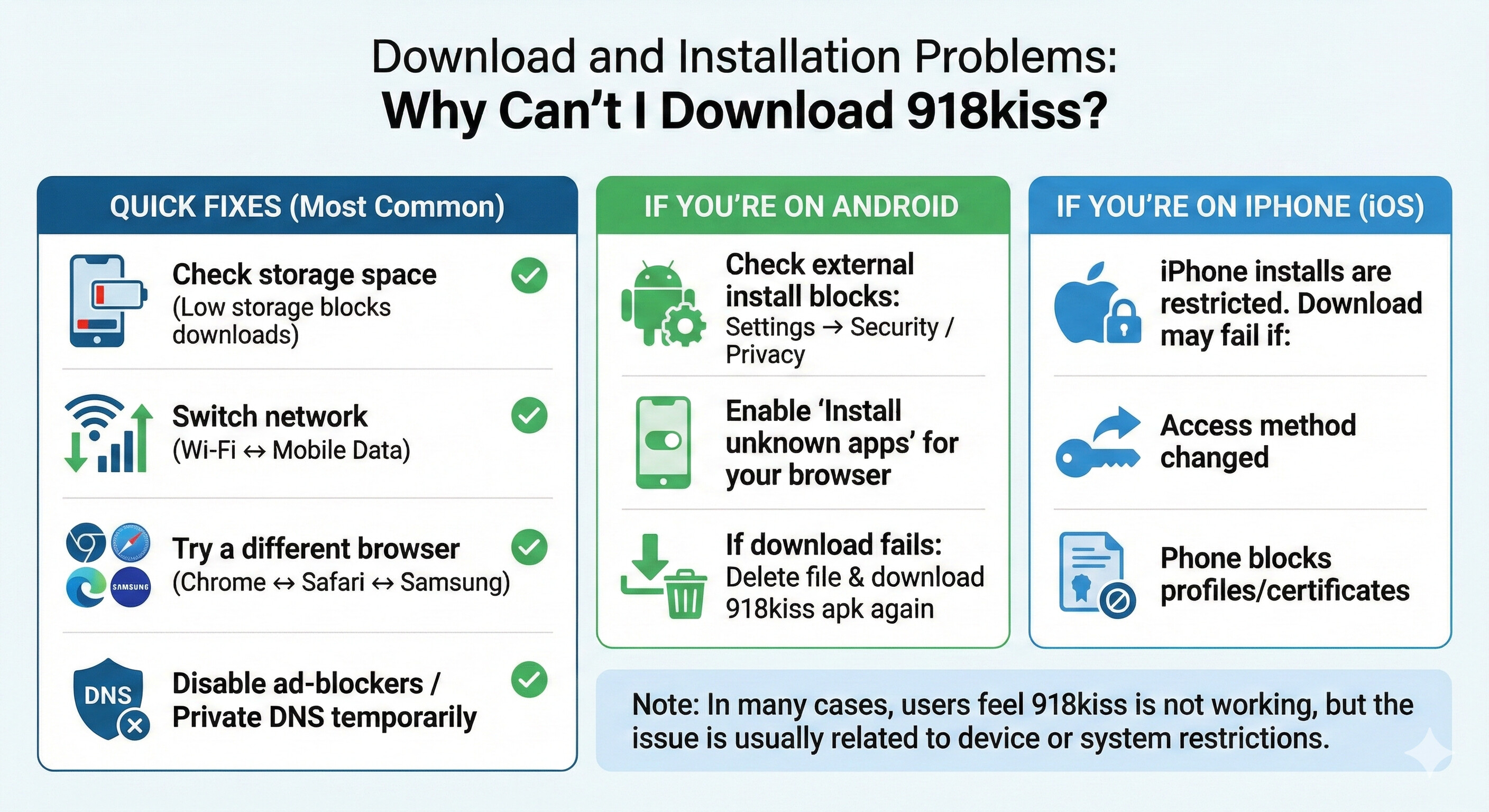
If you’re asking why cannot download 918kiss, this is one of the most common 918kiss download problems users face, try this in order:
Quick fixes (most common)
If you’re on Android
Check if your phone blocks external installs:
If the download starts but won’t install:
If you’re on iPhone (iOS)
iPhone installs are more restricted, so your “download” might fail if:
In many cases, users feel 918kiss is not working, but the issue is usually related to device or system restrictions.
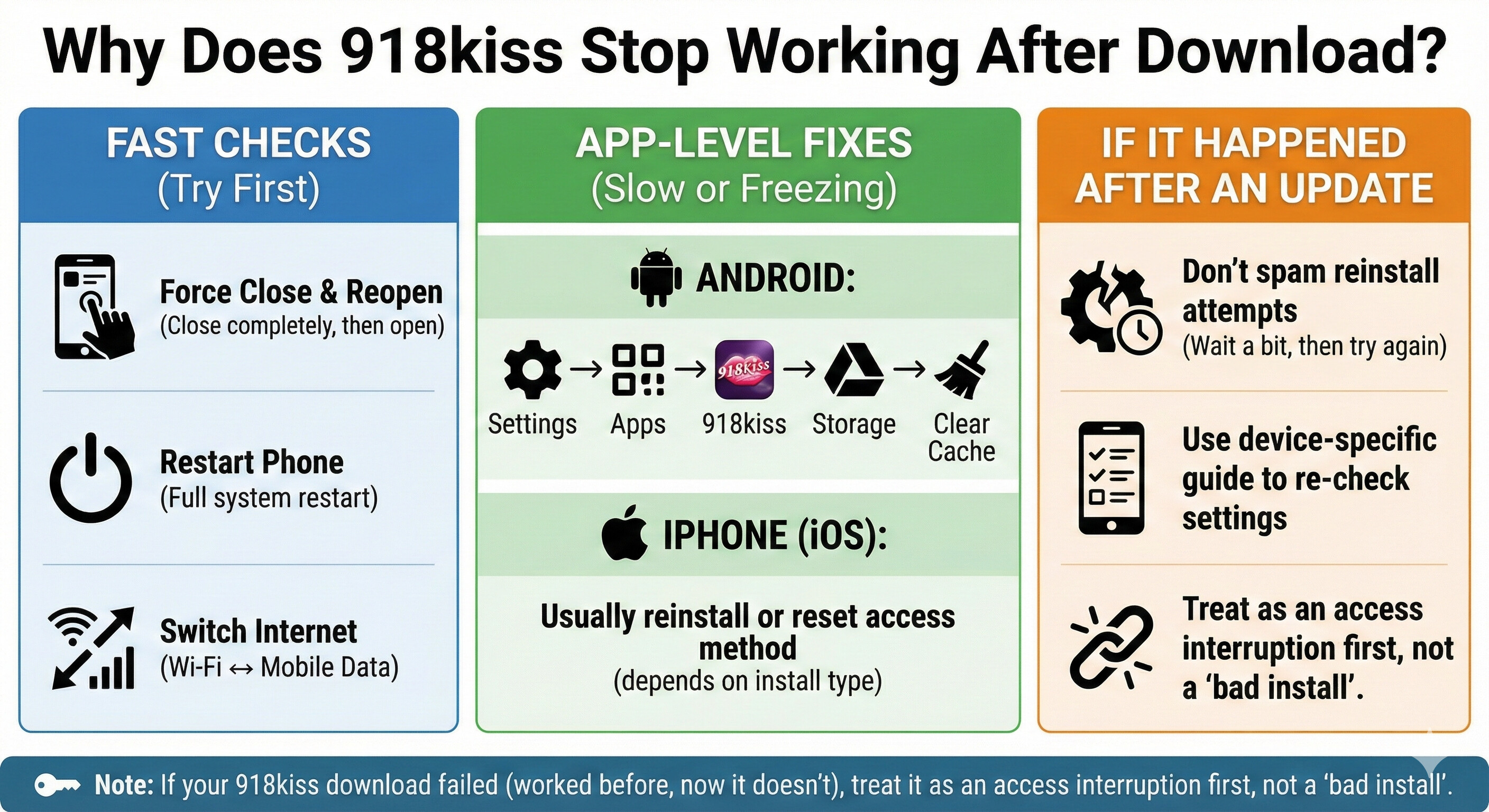
If 918kiss is not working after it used to work, try this:
Fast checks
App-level fixes
If the app loads slowly or freezes:
If it happened after an update
If it broke right after a system update, it’s often an access change:
If your 918kiss download failed (worked before, now it doesn’t), treat it as an access interruption first, not a “bad install.”
Android vs iPhone Download Issues (What to do)
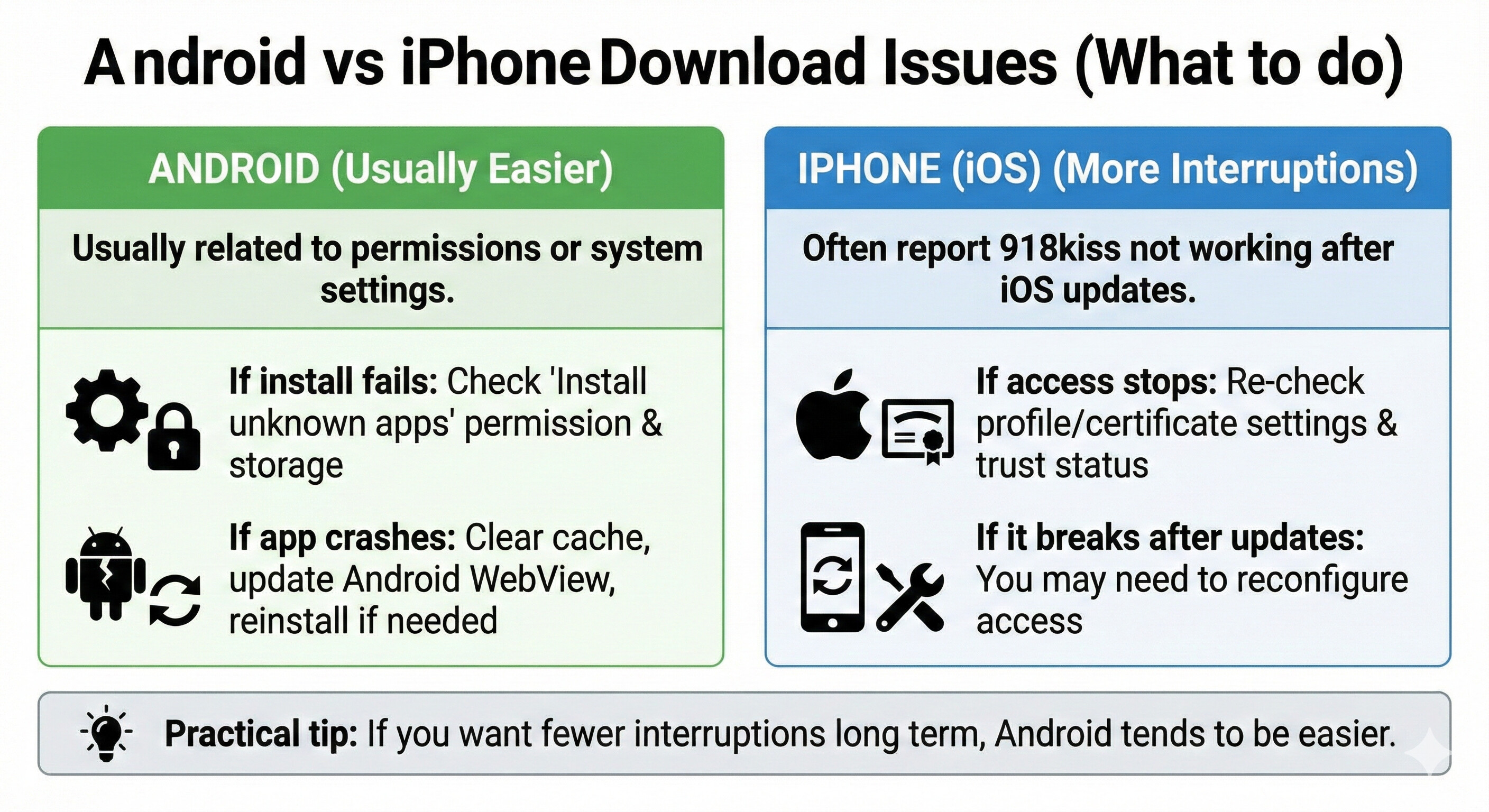
Android (usually easier)
These types of 918kiss Android problems are usually related to permissions or system settings.
iPhone (more interruptions)
Many 918kiss iOS problems happen after iOS updates, which is why iPhone users often report 918kiss not working more frequently.
Practical tip: If you want fewer interruptions long term, Android tends to be easier.
Account and Login Issues
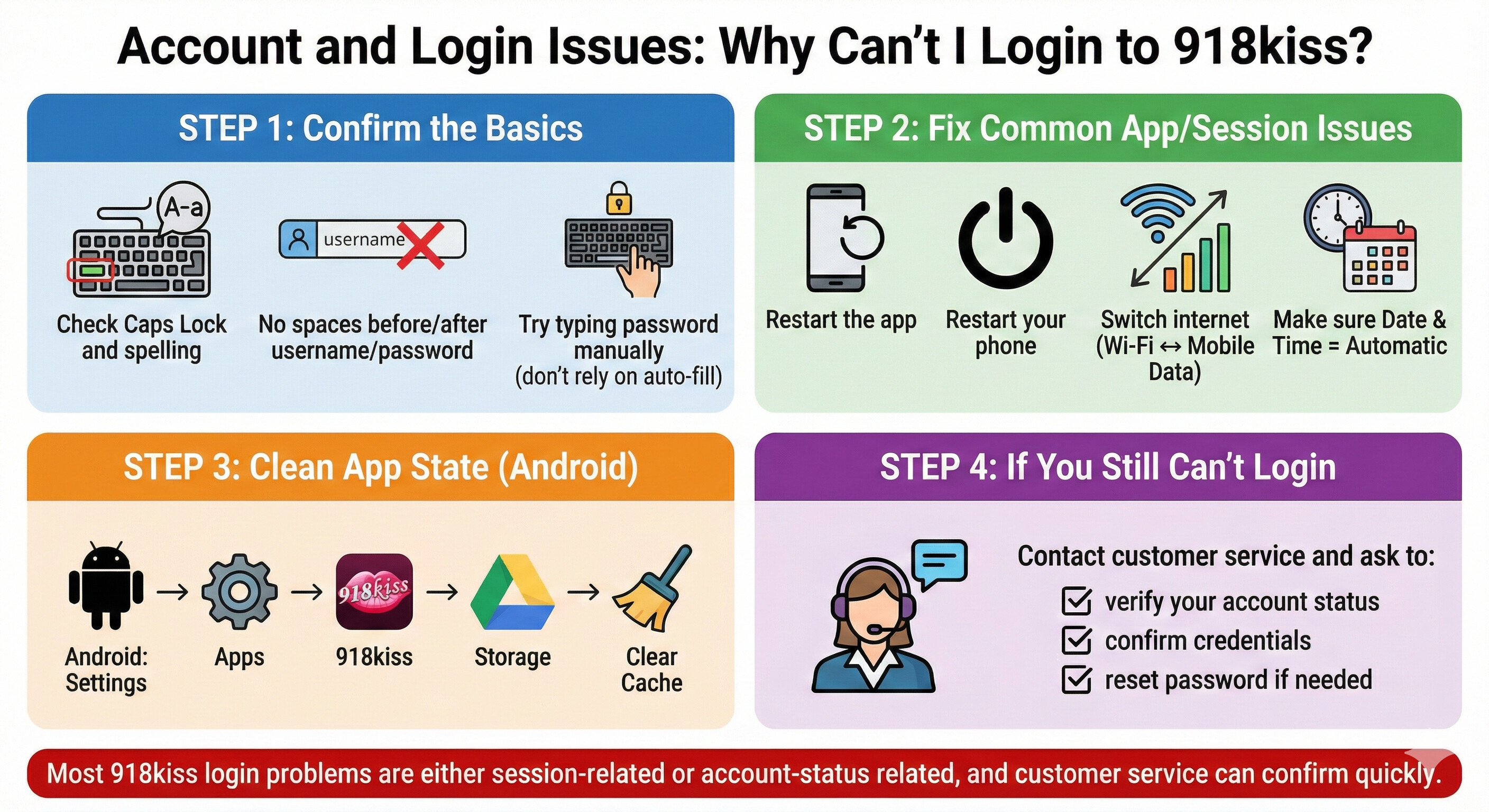
Why Can’t I Login to 918kiss?
If you cannot login to 918kiss, you’re likely facing a common 918kiss login problem, not an account mistake, try this step-by-step:
Step 1: Confirm the basics
- Check Caps Lock and spelling
- Make sure there are no spaces before/after username/password
- Try typing the password manually (don’t rely on auto-fill)
Step 2: Fix common app/session issues
- Restart the app
- Restart your phone
- Switch internet (Wi-Fi ↔ mobile data)
- Make sure Date & Time = Automatic
Step 3: Clean app state
- Android: Clear Cache (Settings → Apps → 918kiss → Storage → Clear Cache)
Step 4: If you still can’t login
Contact customer service and ask to:
- verify your account status
- confirm credentials
- reset password if needed
Most 918kiss login problems are either session-related or account-status related, and customer service can confirm quickly.
Why Is Account Registration Done via Customer Service?
How to register 918kiss? Account creation is done through customer service, not direct in-app signup, here’s what to do (actionable):
How registration usually works
- Contact customer service
- Provide requested details (commonly: username + password preference + basic contact info)
- Wait for confirmation that the account is created
- Use the provided credentials to log in inside the app
Tips to avoid mistakes
- Use a username you can remember
- Choose a password you can type easily on mobile
- Save your credentials safely (don’t rely on memory)
If you’re unsure the account was created, ask customer service to confirm your username and whether the account is active.
Logged Out Automatically or Session Expired (What to do)
When users report 918kiss account not working, it is often related to a session expired issue rather than incorrect login details. If the app logs you out or shows session errors:
Try this first
- Close app completely → reopen
- Switch internet (Wi-Fi ↔ mobile data)
- Restart phone
If it keeps happening
- Avoid logging in/out repeatedly (can trigger more session issues)
- Use one primary device (multiple devices can conflict)
- Ask customer service to verify if there are session/account restrictions
Usage and Access Behavior Questions
Why Does 918kiss Behave Differently After Updates?
If the app suddenly looks different or behaves differently:
What to do
- Restart phone after updating
- Open app once, wait 1–2 minutes (some apps load slowly after updates)
- If something is missing or broken, check:
- internet stability
- permissions (Android may reset some permissions after updates)
If the change is access-related, it may not be something you can “fix” locally — re-check your download/access method and settings.
Can I Use One 918kiss Account on Multiple Devices?
You can, but it often causes problems.
Best practice
- Use one “main” device for stable access
- If you must switch devices:
- Log out from the old device first (if possible)
- Log in on the new device
- Avoid rapid switching back and forth
If you keep getting kicked out, reduce multi-device use and ask customer service to check account/session limits.
Why Does Access Change Sometimes?
This type of 918kiss update problem is common and often temporary. If 918kiss works today but not tomorrow:
What to do
- Try the fast basics: restart + switch internet
- If it still fails, wait and retry later (many access interruptions are temporary)
- Avoid installing multiple versions or random files trying to “force it”
- If the issue lasts:
- check your device-specific guide
- contact customer service to confirm if access methods changed
Common Problems Explained Simply (With Actions)
App opens but doesn’t load
- Try: switch Wi-Fi ↔ mobile data, restart phone, reopen app
- If still stuck: clear cache (Android), reinstall if necessary
Login details are correct but app fails
- Try: restart app, check time/date, switch network
- If still fails: ask customer service to verify account status
App crashes after login
- Try: free up storage, restart phone
- Android: clear cache, update Android System WebView
- If still crashes: reinstall (as a last step)
What You Can Control vs What You Can’t
Not every 918kiss issue can be fixed immediately, especially when the app is not working due to system changes.
You can control
- correct login details (no spaces, correct caps)
- stable internet
- enough storage
- keeping OS updated
- not switching devices too frequently
You can’t control:
- access method changes
- system security changes
- temporary service interruptions
Practical rule
If you tried the basics and it still fails, pause and check guides / customer service, instead of repeatedly reinstalling.
Quick 918kiss FAQ (Short answers)
What is 918kiss?
Is 918kiss available on Google Play or App Store?
Why cannot download 918kiss?
How do I login to 918kiss?
Why cannot login 918kiss?
Final Notes
Most 918kiss issues are not “your fault.” They’re usually caused by device restrictions, session behavior, updates, or access changes.
Use the checklists above, take it step-by-step, and avoid repeated reinstall loops. If you’re stuck after the basics, customer service can confirm account status and access details faster than guessing.